
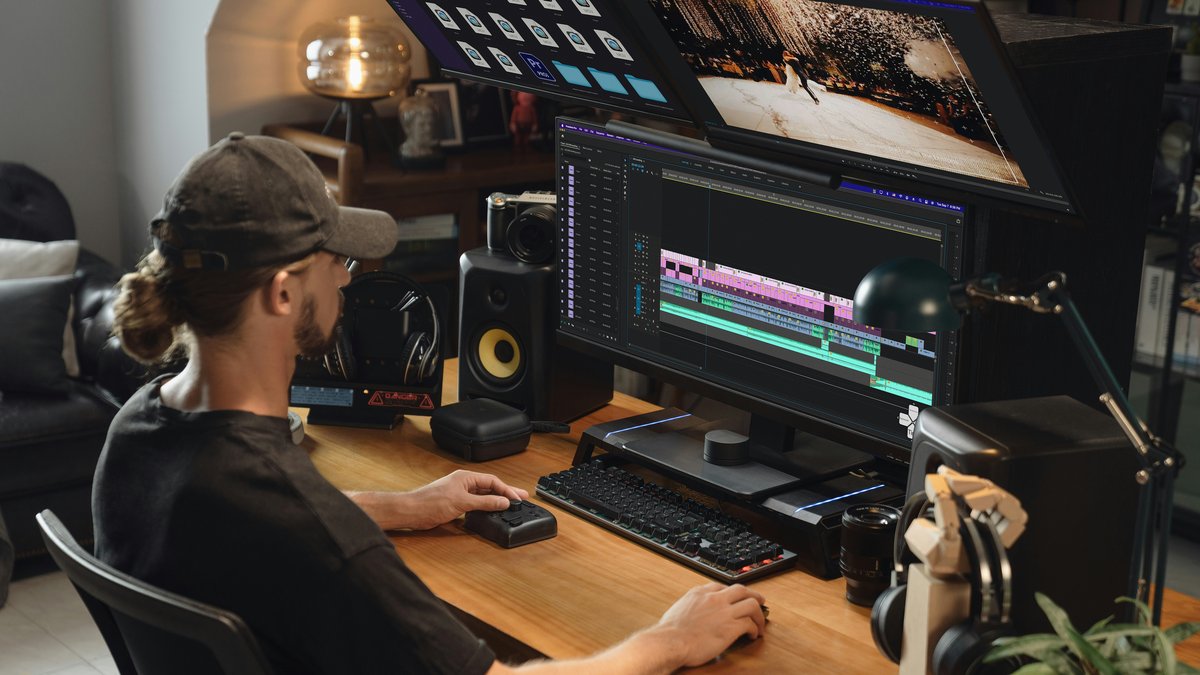
Deadlines get tighter when editing expands to fill the evening. A short, repeatable checklist keeps the work focused so footage becomes a finished export without endless tweaking.
The flow takes 30 minutes for most creator videos: talking head, vlog, tutorial, product update, or event recap. It prioritizes clear audio, clean pacing, and platform-ready exports.
Before the timer starts: choose the deliverable
Pick one platform and one purpose for the edit. A 90 second Instagram Reel cut is not the same as an 8 minute YouTube explainer. Decide the finish line first so every choice supports it.
- Audience: who is this for and what should they do next?
- Length target: a specific range (for example 60 to 90 seconds, or 6 to 8 minutes).
- Format: vertical 9:16, square 1:1, or horizontal 16:9.
- Style: fast cuts and captions, or slower and more conversational.
00:00 to 05:00 Import and organise fast
The goal is to be editing within five minutes. Over-organising can be its own procrastination, so keep structure simple.
- Create a project named with date and topic, then one folder for footage, audio, graphics, and exports.
- Import everything in one go. If there are multiple takes, star or label the best take instead of creating extra sequences.
- Sync external audio if needed, then disable the camera mic track so it cannot accidentally export.
- Skim clips at 2x speed and mark in and out on usable ranges.
With clips organised, move straight into the first full play-through cut.
05:00 to 12:00 Build a rough cut with pacing first
A rough cut is a timeline that plays all the way through without stopping. Ignore fine trims and focus on story order.
- Drop the best take onto the timeline and remove obvious dead air and false starts.
- Cut repeated points. Keep one clear version of each idea.
- If using b-roll, place it where it supports what is being said, not where it looks nice.
- Trim transitions so sentences start and end cleanly.
Tip for time: whenever a cut feels uncertain, choose the shorter option. Most creator edits benefit from slightly faster pacing than expected.
12:00 to 18:00 Fix audio so it feels professional
Viewers forgive imperfect lighting sooner than they forgive difficult audio. Keep audio steps simple and repeatable.
- Set dialogue loudness so speech sits consistently across the video.
- Remove low rumble with a gentle high pass filter if available.
- Apply light noise reduction only if needed. Over-processing makes voices sound metallic.
- Add a small amount of compression to level out peaks and whispers.
- If using music, lower it under speech and fade it in and out around key moments.
Once audio feels steady, small picture corrections and essential graphics carry the rest.
18:00 to 24:00 Clean picture and add essential graphics
This pass is about clarity, not cinematic grading. A small correction across the whole timeline is usually enough.
- Correct exposure so faces are not dim. Avoid crushed shadows that hide detail.
- Neutralise white balance so skin tones look natural.
- Add a simple title at the start only if the platform benefits from it.
- Add captions if the platform expects them, or if the video has fast information delivery.
- Check safe margins for text so it is not cut off on mobile.
24:00 to 27:00 Final watch with a single purpose
Do one uninterrupted play-through at normal speed. Use this pass to catch issues that cause drop-off.
- Is the hook clear in the first 3 to 5 seconds?
- Does every section earn its place, or does any part repeat?
- Are there any jumps that feel like mistakes rather than intentional edits?
- Is speech easy to hear on small speakers?
- Are captions readable and timed correctly?
27:00 to 30:00 Export settings that work for most platforms
Use a standard export preset and avoid experimenting at the end. Consistency saves time and reduces upload surprises.
- Format: H.264 or equivalent for broad compatibility.
- Resolution: match the sequence (1080p is usually fine).
- Frame rate: keep original if possible (often 25 or 30 fps).
- Audio: AAC, clear stereo mix, no clipping.
- File naming: date, platform, topic, version number.
For UK creators uploading on variable connections, avoid extremely high bitrates unless the platform needs it. A clean 1080p export uploads faster and plays reliably.
Checklist: the 30 minute edit flow
- Define platform, length, and format
- Import and label best take
- Rough cut for story and pacing
- Dialogue loudness, light cleanup, music under speech
- Basic exposure and white balance, essential captions
- One full watch to catch drop-off issues
- Export with a standard preset and clear file name
Next steps
Pick one existing project and run this checklist once without adding extra steps. Then save the export settings as a preset and reuse it for the next five videos.